Use this guide as a working method, not a list of tricks. Read one section, apply it to a real activity, and keep the evidence that shows why each move works.
The short answer
The central task in How to Make a Word Search Puzzle is to create a themed puzzle whose hidden words are discoverable, unique and correctly recorded. Begin here: choose words that belong to one clear learning or event theme. Continue only after that action produces a result you can point to, describe or record.
For how to make a word search, prepare a focused theme, a cleaned word list, a chosen grid size and an answer-recording method. Treat one target word, its first letter and one straight horizontal, vertical or diagonal path as the working unit. That boundary keeps one uncertain decision from spreading into unrelated parts of the activity.
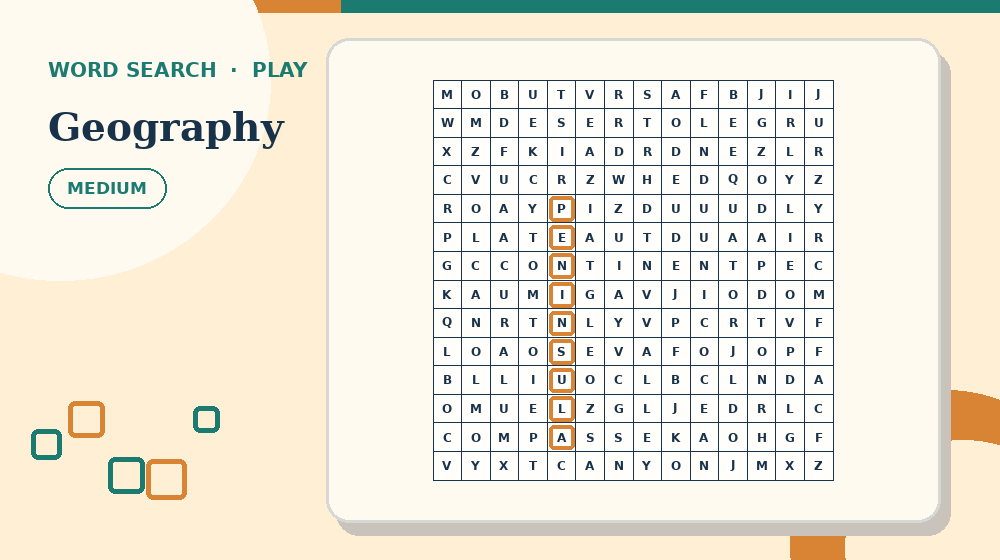
Before continuing, open Geography Word Search and practise this first move: choose words that belong to one clear learning or event theme. The complete activity makes the setup advice above easier to judge than an isolated example.
Complete the attempt with this action: validate every visible occurrence against the answer key. Then verify the result by checking that retrace each marked word from its first letter to its last and compare it with the word bank. A fast finish without that check is not a dependable solution.
Understand the exact job of this activity
In How to Make a Word Search Puzzle, success means you can create a themed puzzle whose hidden words are discoverable, unique and correctly recorded. The relevant evidence is the target spelling, a confirmed starting letter and an unbroken line of matching letters in an allowed direction. Decoration, familiarity with the theme and confidence are not evidence by themselves.
Use one target word, its first letter and one straight horizontal, vertical or diagonal path to keep the decision local. Start by doing this: choose words that belong to one clear learning or event theme. If you cannot name what changed, do not add another permanent answer or mark.
Measure progress by this standard: count confirmed word-bank entries, not circles or promising letter fragments. When progress stops, return to this method: match word length and direction count to the audience. State the reason for changing approach before you make the next move.
Prepare the materials and the decision record
For How to Make a Word Search Puzzle, lay out a focused theme, a cleaned word list, a chosen grid size and an answer-recording method. Keep any answer material closed or out of reach until the attempt has a complete result or a precisely stated question.
On paper, use a fine pencil line or a transparent ruler edge so letters remain readable. On screen, use the focus aid or drag from the first letter to the last without changing direction. Check the real input method before starting so a print, zoom or touch problem is not mistaken for puzzle difficulty.
Record uncertain work this way: cross the target off only after every letter on the path matches. If teachers, parents, activity leaders and puzzle makers pause and return later, the record should show what is confirmed, what is provisional and what was rejected.
- Goal: create a themed puzzle whose hidden words are discoverable, unique and correctly recorded.
- First action: choose words that belong to one clear learning or event theme.
- Working unit: one target word, its first letter and one straight horizontal, vertical or diagonal path.
- Final check: retrace each marked word from its first letter to its last and compare it with the word bank.
A step-by-step method
Step 1 - Choose words that belong to one clear learning or event theme. For How to Make a Word Search Puzzle, this opening action defines what deserves attention before any answer is committed.
Step 2 - Normalize spaces and punctuation before placement. Record the result using this rule: cross the target off only after every letter on the path matches. Do not rely on memory when the activity may be paused or corrected.
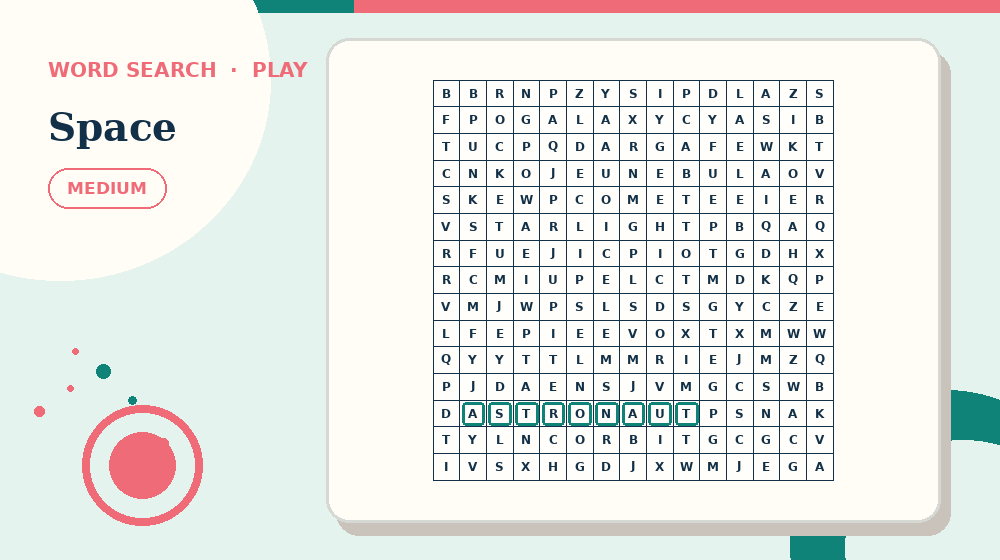
Use Space Word Search for the next pass. Try to normalize spaces and punctuation before placement without opening the answer material, then return here and name the evidence that supported the decision.
Step 3 - Match word length and direction count to the audience. Compare the new evidence with the target spelling, a confirmed starting letter and an unbroken line of matching letters in an allowed direction. If they conflict, resolve the conflict before continuing.
Step 4 - Place the hardest words first and fill unused cells last. Use this pass on the hardest unresolved part, not automatically on the most visually prominent area.
Step 5 - Validate every visible occurrence against the answer key. Finish by checking that retrace each marked word from its first letter to its last and compare it with the word bank. Record any remaining uncertainty instead of disguising it as completion.
A worked practice example
Use this concrete case for How to Make a Word Search Puzzle: building a space vocabulary puzzle by placing CONSTELLATION first, then shorter planet words, before adding filler letters. Before acting, identify which part of the example supplies the target spelling, a confirmed starting letter and an unbroken line of matching letters in an allowed direction.
Apply the first two methods in order: choose words that belong to one clear learning or event theme; then normalize spaces and punctuation before placement. Write down the result of each pass so the example can be resumed without repeating the same scan.
Continue with this discriminating action: match word length and direction count to the audience. If it changes the working record, follow with place the hardest words first and fill unused cells last. Finish only after you validate every visible occurrence against the answer key and confirm that retrace each marked word from its first letter to its last and compare it with the word bank.
Decision log for the worked example
For the How to Make a Word Search Puzzle example, log the first observation created by this action: choose words that belong to one clear learning or event theme. Write the observation itself, not a vague note that the step was completed.
Next, record what changed after you match word length and direction count to the audience. If nothing changed, keep that result; an explicit no-change result prevents the same unproductive pass from being repeated.
Close the log with the final check: retrace each marked word from its first letter to its last and compare it with the word bank. If the check fails, identify the earliest unsupported decision and connect it to one risk: mixing unrelated search intents into one page.
Diagnostic questions for How to Make a Word Search Puzzle
Can you explain why choose words that belong to one clear learning or event theme is the correct opening for how to make a word search? If not, restate the goal - create a themed puzzle whose hidden words are discoverable, unique and correctly recorded - before making another mark.
Does the current record follow this rule: cross the target off only after every letter on the path matches? If not, separate confirmed work from possibilities before the next method.
Which evidence supports the current decision: the target spelling, a confirmed starting letter and an unbroken line of matching letters in an allowed direction? Remove any answer supported only by familiarity or appearance.
Have you checked for this specific failure: using words longer than the grid? Repair that issue locally instead of restarting unrelated work.
Can the final result pass this test: retrace each marked word from its first letter to its last and compare it with the word bank? If not, leave the activity marked as unfinished and record the exact failing unit.
Adjust difficulty without changing the core skill
For an easier word search activity, reduce grid dimensions, word length, allowed directions, backward placements, visual spacing and word-bank length while preserving the goal to create a themed puzzle whose hidden words are discoverable, unique and correctly recorded. Keep the same opening method: choose words that belong to one clear learning or event theme.
For a harder how to make a word search task, add one source of complexity at a time. Continue to require this evidence: the target spelling, a confirmed starting letter and an unbroken line of matching letters in an allowed direction. More decoration, smaller print or longer instructions do not create useful difficulty.
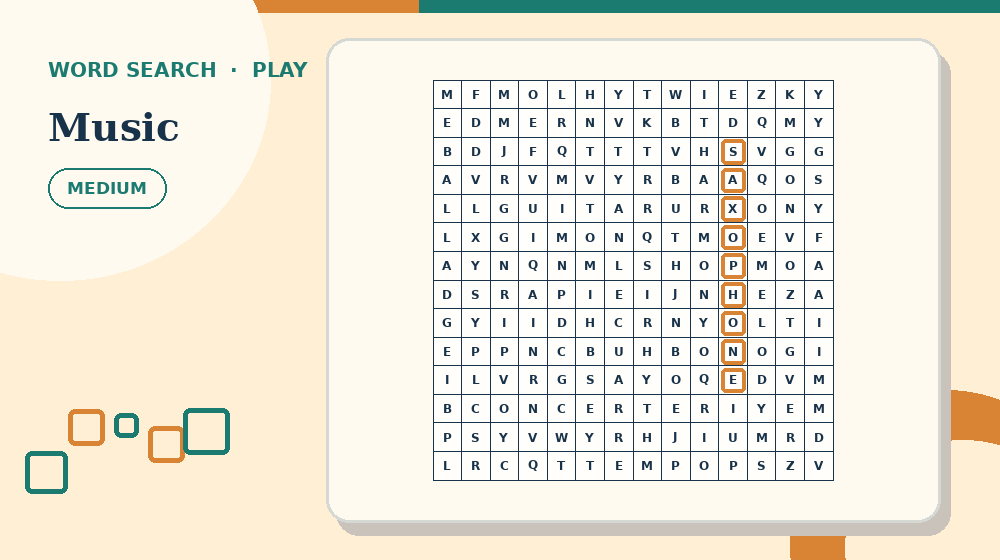
Now compare the method on Music Word Search. Keep the goal—create a themed puzzle whose hidden words are discoverable, unique and correctly recorded—but change only the difficulty or theme, so the comparison shows whether the routine transfers.
For teachers, parents, activity leaders and puzzle makers, adjust the amount of material, available time or input method before removing the reasoning step. Assistance should make the evidence reachable without supplying the result.
Common mistakes and precise recovery actions
Watch for this first failure in How to Make a Word Search Puzzle: mixing unrelated search intents into one page. Stop, restore one target word, its first letter and one straight horizontal, vertical or diagonal path and repeat this action: choose words that belong to one clear learning or event theme.
A second risk is using words longer than the grid. Compare the current work with the target spelling, a confirmed starting letter and an unbroken line of matching letters in an allowed direction; keep only decisions that the evidence supports.
If you notice creating accidental duplicate occurrences, return to this method: match word length and direction count to the audience. Record the corrected result before touching any later answer.
When making every word horizontal occurs, use this recovery procedure: erase the unsupported highlight, reopen the unfinished word bank and rescan the exact row or direction where the mismatch began. Continue only when the progress measure changes for a stated reason.
Prevent the final failure - publishing without solving the finished grid - by completing this action: validate every visible occurrence against the answer key. Then run the verification for how to make a word search: retrace each marked word from its first letter to its last and compare it with the word bank.
Build a checklist for How to Make a Word Search Puzzle
Write the How to Make a Word Search Puzzle goal first: create a themed puzzle whose hidden words are discoverable, unique and correctly recorded. Under it, copy this opening action: choose words that belong to one clear learning or event theme. Leave space for the result, not merely a tick box.
Add the second and third checks in order: normalize spaces and punctuation before placement; then match word length and direction count to the audience. Beside both, print the record rule: cross the target off only after every letter on the path matches.
Reserve a separate line for the hard-area pass: place the hardest words first and fill unused cells last. Name the exact unit inspected so a later correction does not erase unrelated progress.
End the checklist with this action: validate every visible occurrence against the answer key. Follow it immediately with the verification statement: retrace each marked word from its first letter to its last and compare it with the word bank.
Test the checklist against the worked case - building a space vocabulary puzzle by placing CONSTELLATION first, then shorter planet words, before adding filler letters. Rewrite any item that still needs the full article to explain what object to inspect or when to stop.
- Open with: choose words that belong to one clear learning or event theme.
- Develop with: normalize spaces and punctuation before placement.
- Discriminate with: match word length and direction count to the audience.
- Resolve with: place the hardest words first and fill unused cells last.
- Close with: validate every visible occurrence against the answer key.
Teaching, family and group use
When demonstrating How to Make a Word Search Puzzle, model one complete unit: one target word, its first letter and one straight horizontal, vertical or diagonal path. Say which evidence matters, perform this action - choose words that belong to one clear learning or event theme - and stop after the result is recorded.
For shared use, organise participation this way: one person reads the word bank while the other scans a defined row or direction. Rotate responsibility after a small milestone so one person does not make and approve every decision.
If the step in “Teaching, family and group use” is still unclear, continue with How to Solve a Word Search Faster. It approaches the same puzzle format from a different decision point before you need to reveal an answer.
If teachers, parents, activity leaders and puzzle makers need help, ask what has been ruled out and which method comes next. Point back to match word length and direction count to the audience rather than revealing the solution.
At the end, ask which action changed the most information. Record one adjustment for the next word search page and keep private performance notes off public leaderboards.
A focused 15-minute practice routine
Minutes 0-3 for How to Make a Word Search Puzzle: prepare a focused theme, a cleaned word list, a chosen grid size and an answer-recording method. State the goal to create a themed puzzle whose hidden words are discoverable, unique and correctly recorded, then identify the first one target word, its first letter and one straight horizontal, vertical or diagonal path you will inspect.
Minutes 3-7 for how to make a word search: complete choose words that belong to one clear learning or event theme, followed by normalize spaces and punctuation before placement. Record both outcomes using this rule: cross the target off only after every letter on the path matches.
Minutes 7-12: complete this action on the least certain result: match word length and direction count to the audience. If the evidence supports a next move, continue with place the hardest words first and fill unused cells last; otherwise keep the uncertainty visible.
Minutes 12-15: complete validate every visible occurrence against the answer key. End the word search practice by checking that retrace each marked word from its first letter to its last and compare it with the word bank, even when the full page remains unfinished.
Print, screen and accessibility choices
To print How to Make a Word Search Puzzle, follow this format rule: use a fine pencil line or a transparent ruler edge so letters remain readable. Test one page at actual size and inspect the working area before producing a batch.
To use how to make a word search online, follow this screen rule: use the focus aid or drag from the first letter to the last without changing direction. Verify keyboard, touch and mouse behaviour at the zoom level the player needs.
Accessibility support for teachers, parents, activity leaders and puzzle makers should preserve the evidence - the target spelling, a confirmed starting letter and an unbroken line of matching letters in an allowed direction - while changing size, contrast, input method or session length. Support access without silently supplying the answer.
How to know the method is working
For How to Make a Word Search Puzzle, use this progress measure: count confirmed word-bank entries, not circles or promising letter fragments. Improvement should appear as smaller corrections and explanations that refer to the target spelling, a confirmed starting letter and an unbroken line of matching letters in an allowed direction.
Repeat a nearby how to make a word search activity within two days. Without reopening the guide, look for independent use of these actions: choose words that belong to one clear learning or event theme; and match word length and direction count to the audience.
Keep a short private note containing the page, difficulty, first error and verification result. Use it to select the next activity; do not turn it into a judgement about teachers, parents, activity leaders and puzzle makers.
Test the skill on a fresh puzzle
Open one linked word search page and write down two actions before starting: choose words that belong to one clear learning or event theme, followed by normalize spaces and punctuation before placement. Put How to Make a Word Search Puzzle aside during the attempt.
At the first uncertain point, use this method without prompting: match word length and direction count to the audience. Compare one confirmed result with one unresolved result and name the evidence separating them.
Complete the fresh attempt by doing this: validate every visible occurrence against the answer key. Run the same final check - retrace each marked word from its first letter to its last and compare it with the word bank - and record one specific adjustment for the next page.
Create the puzzle on paper or with a generator
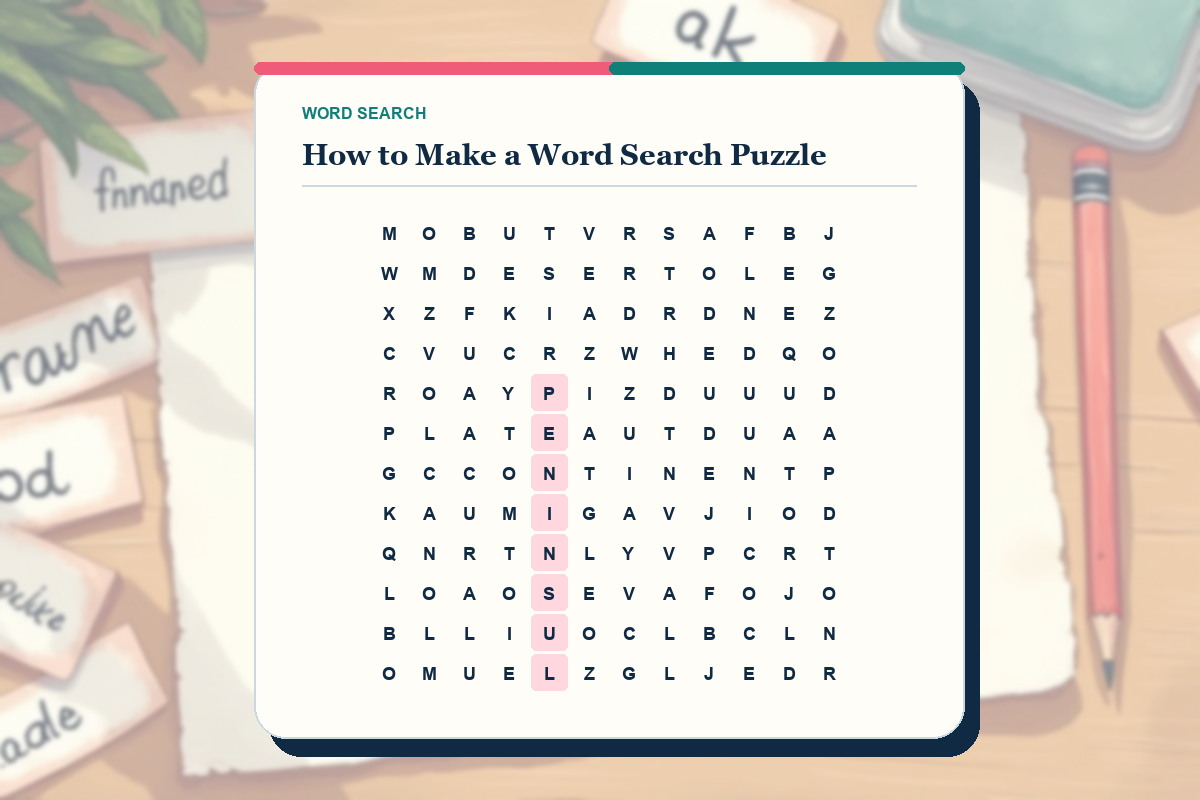
To make a word search on paper, write the theme list first, remove duplicate spellings and draw a grid large enough for the longest normalized entry. Place that longest word before short words, record its start and direction, then fill unused cells only after every planned entry has a legal route.
A word search generator can speed up placement, but it does not replace editorial checking. Review accidental extra occurrences, spelling, audience level, print contrast and the answer key. If you need a free PDF, generate the private grid, print the puzzle and solution, and keep both tied to the same source list.
- One focused theme
- One recorded route per answer
- No accidental duplicate answer
- Puzzle and solution checked at final print size
Use the matching puzzle tool
Apply the article to a private draft, then inspect the printable output before sharing it. Generator results stay off the public index.
Frequently asked questions
What should I do first in How to Make a Word Search Puzzle?
Begin with the catalogued opening action for how to make a word search: choose words that belong to one clear learning or event theme. Apply it to one target word, its first letter and one straight horizontal, vertical or diagonal path and record the result before moving to normalize spaces and punctuation before placement.
How can I tell whether my how to make a word search method is producing real progress?
For this word search task, use the progress test 'count confirmed word-bank entries, not circles or promising letter fragments'. A new mark counts only when it can be connected to the target spelling, a confirmed starting letter and an unbroken line of matching letters in an allowed direction.
What should I do if I notice mixing unrelated search intents into one page?
Stop at the first affected unit and use the format-specific recovery: erase the unsupported highlight, reopen the unfinished word bank and rescan the exact row or direction where the mismatch began. Resume How to Make a Word Search Puzzle with match word length and direction count to the audience instead of repeating the unsupported move.
When is it appropriate to check the answer for How to Make a Word Search Puzzle?
Check after completing this final action: validate every visible occurrence against the answer key. Before opening the answer, write the exact unresolved point and test whether retrace each marked word from its first letter to its last and compare it with the word bank.
How can I make this word search practice more accessible?
Change size, spacing, session length or input method while preserving the target spelling, a confirmed starting letter and an unbroken line of matching letters in an allowed direction. On paper, use a fine pencil line or a transparent ruler edge so letters remain readable. On screen, use the focus aid or drag from the first letter to the last without changing direction.
What should I practise after How to Make a Word Search Puzzle?
Choose a nearby how to make a word search page and repeat two actions without reopening the article: choose words that belong to one clear learning or event theme; then match word length and direction count to the audience. Finish by checking that retrace each marked word from its first letter to its last and compare it with the word bank.
Can I make a word search and save it as a free PDF?
Yes. Use the private Word Search Generator, check the placed words and accidental occurrences, then print the puzzle and its answer material to PDF.