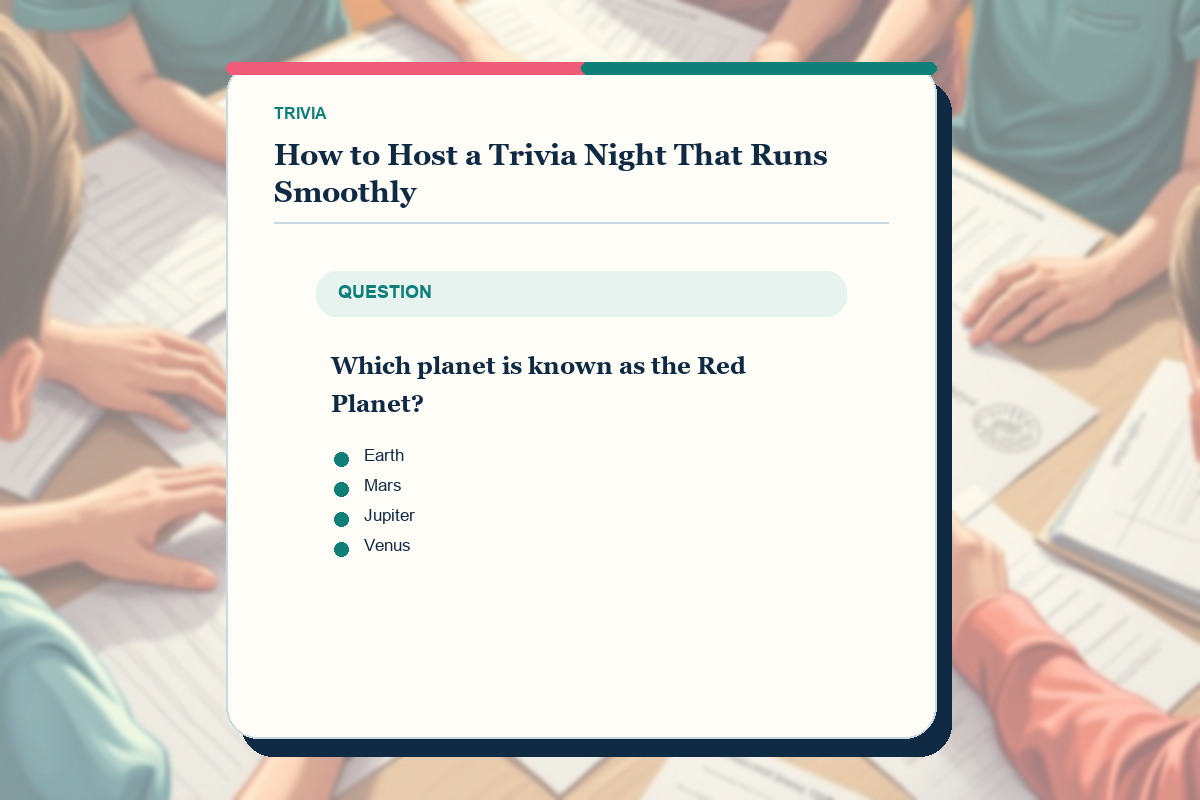
Use this guide as a working method, not a list of tricks. Read one section, apply it to a real activity, and keep the evidence that shows why each move works.
The short answer
Run trivia night with reviewed rounds, written rules, a visible answer window and one score record. Tell teams the round length, answer format, scoring and tie-break procedure before question one.
Read each question clearly, repeat it once without paraphrasing and give the same thinking time to every team. Collect or lock answers before revealing the solution and explanation.
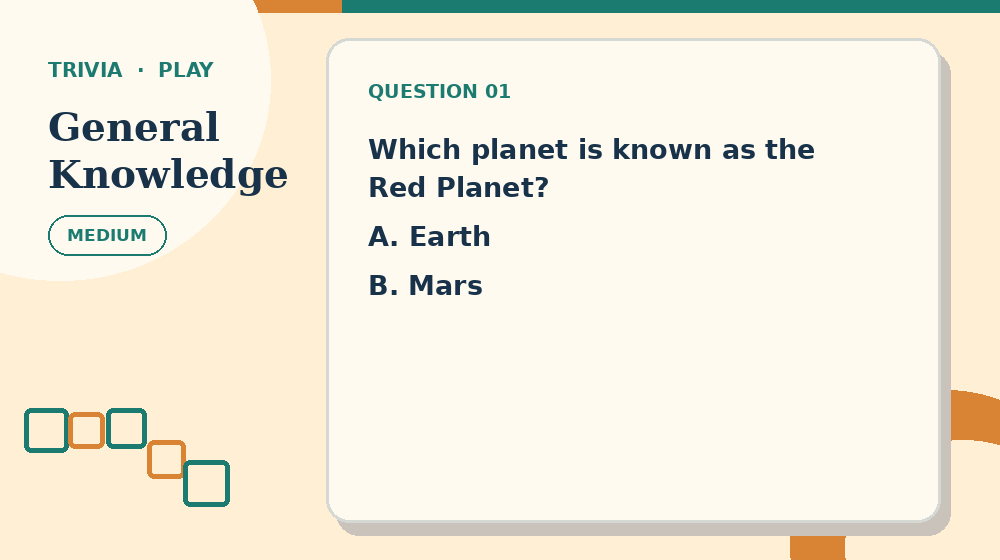
Before continuing, open General Knowledge Trivia and practise this first move: mix categories and difficulty inside each round. The complete activity makes the setup advice above easier to judge than an isolated example.
Update scores at the end of each round, resolve disputes from the prepared source record and keep one unused tie-breaker. Predictable operations create energy without making fairness depend on the host's memory.
Understand the exact job of this activity
In How to Host a Trivia Night That Runs Smoothly, success means you can keep teams moving through clear questions with trusted answers and predictable scoring. The relevant evidence is the exact wording of the question, a reliable source, the accepted answer and any scoring rule announced before play. Decoration, familiarity with the theme and confidence are not evidence by themselves.
Use one complete question, its accepted answer, source note and scoring decision to keep the decision local. Start by doing this: mix categories and difficulty inside each round. If you cannot name what changed, do not add another permanent answer or mark.
Measure progress by this standard: track completed rounds, resolved disputes and score totals rather than the loudness of the room. When progress stops, return to this method: set the answer window before play starts. State the reason for changing approach before you make the next move.
Prepare the materials and the decision record
For How to Host a Trivia Night That Runs Smoothly, lay out reviewed question rounds, a score sheet, visible timing and one host who controls answers. Keep any answer material closed or out of reach until the attempt has a complete result or a precisely stated question.
On paper, separate question cards, answer sheets and the host key so no solution is exposed early. On screen, keep the question visible during the answer window and reveal the explanation only after responses lock. Check the real input method before starting so a print, zoom or touch problem is not mistaken for puzzle difficulty.
Record uncertain work this way: write each team response before revealing the answer and update the score at the end of the round. If families, community groups, workplaces and party hosts pause and return later, the record should show what is confirmed, what is provisional and what was rejected.
- Goal: keep teams moving through clear questions with trusted answers and predictable scoring.
- First action: mix categories and difficulty inside each round.
- Working unit: one complete question, its accepted answer, source note and scoring decision.
- Final check: check the accepted answer and explanation against the cited fact before recording the point.
Run one complete trivia round
Step 1 - Announce the category, number of questions, points and answer deadline. Confirm that teams understand how corrections are marked.
Step 2 - Read question one at a steady pace and repeat it once. Start the agreed answer window after the complete second reading.
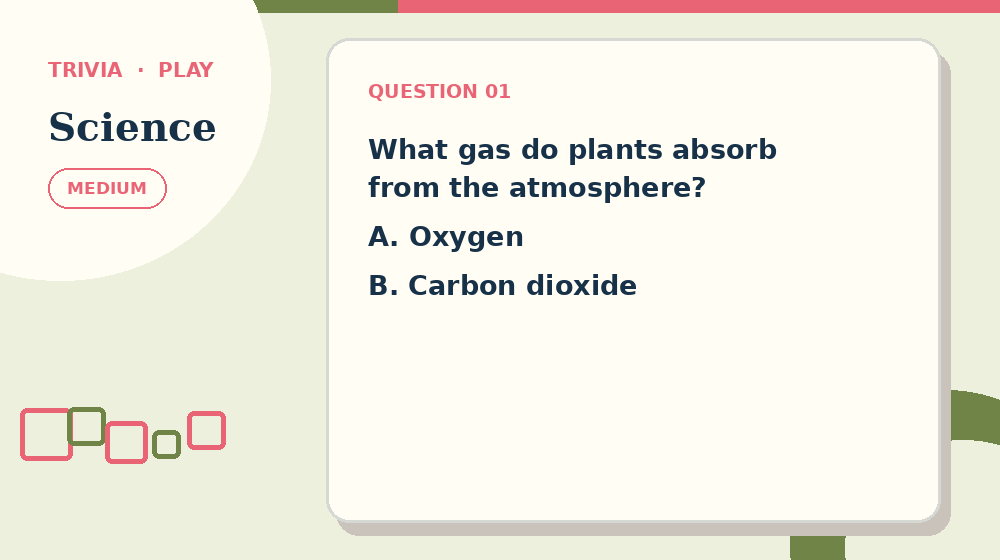
Use Science Trivia for the next pass. Try to read each question once clearly and repeat once without opening the answer material, then return here and name the evidence that supported the decision.
Step 3 - Signal the final seconds consistently. Lock or collect answers before discussing possible interpretations.
Step 4 - Reveal the answer with one concise explanation. Do not change the accepted scope unless the prepared record shows that the wording allowed another defensible response.
Step 5 - Finish the round, total scores twice and display the update. Handle submitted challenges during the break, then announce any correction to all teams.
Worked example: three ten-question rounds
Plan three rounds of ten questions with mixed categories and a gentle difficulty rise within each round. Schedule a scoring break after every ten rather than interrupting individual questions with totals.
Hold a numerical tie-breaker separately. Ask teams for one estimate and rank by closest answer only if the final scores are tied. State whether going over is allowed before collecting responses.
After round two, announce standings without revealing private answer sheets. Use the break to check arithmetic and prepare the next packet, not to improvise replacement questions.
Host log for the three-round event
Record scheduled and actual start time for each round, every repeated question and the moment answer collection closed. This shows whether pacing drift came from reading, marking or scoring.
Log score corrections with team identifier, round, arithmetic change and rule applied. Announce the correction to all teams while keeping answer slips private.
After the event, record withdrawn wording, accepted alternatives and the unused tie-breaker status. Revise the host packet before reuse rather than relying on memory.
Diagnostic questions for How to Host a Trivia Night That Runs Smoothly
Can you explain why mix categories and difficulty inside each round is the correct opening for how to host trivia night? If not, restate the goal - keep teams moving through clear questions with trusted answers and predictable scoring - before making another mark.
Does the current record follow this rule: write each team response before revealing the answer and update the score at the end of the round? If not, separate confirmed work from possibilities before the next method.
Which evidence supports the current decision: the exact wording of the question, a reliable source, the accepted answer and any scoring rule announced before play? Remove any answer supported only by familiarity or appearance.
Have you checked for this specific failure: using ambiguous questions? Repair that issue locally instead of restarting unrelated work.
Can the final result pass this test: check the accepted answer and explanation against the cited fact before recording the point? If not, leave the activity marked as unfinished and record the exact failing unit.
Adjust difficulty without changing the core skill
For an easier trivia activity, reduce topic familiarity, question specificity, recall depth, answer format, time allowance and the quality of distractors while preserving the goal to keep teams moving through clear questions with trusted answers and predictable scoring. Keep the same opening method: mix categories and difficulty inside each round.
For a harder how to host trivia night task, add one source of complexity at a time. Continue to require this evidence: the exact wording of the question, a reliable source, the accepted answer and any scoring rule announced before play. More decoration, smaller print or longer instructions do not create useful difficulty.
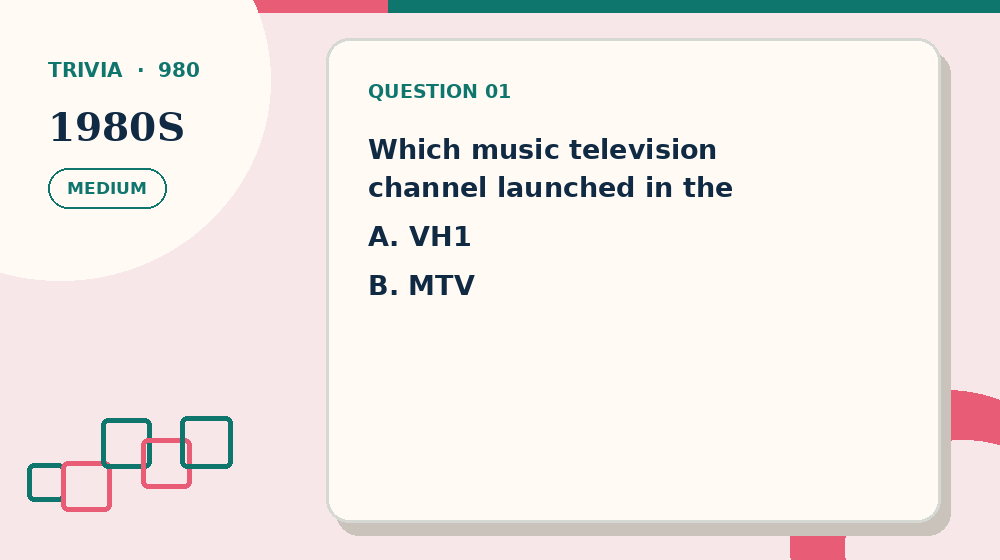
Now compare the method on 1980s Trivia. Keep the goal—keep teams moving through clear questions with trusted answers and predictable scoring—but change only the difficulty or theme, so the comparison shows whether the routine transfers.
For families, community groups, workplaces and party hosts, adjust the amount of material, available time or input method before removing the reasoning step. Assistance should make the evidence reachable without supplying the result.
Common mistakes and precise recovery actions
Watch for this first failure in How to Host a Trivia Night That Runs Smoothly: changing rules after a dispute. Stop, restore one complete question, its accepted answer, source note and scoring decision and repeat this action: mix categories and difficulty inside each round.
A second risk is using ambiguous questions. Compare the current work with the exact wording of the question, a reliable source, the accepted answer and any scoring rule announced before play; keep only decisions that the evidence supports.
If you notice letting one category dominate, return to this method: set the answer window before play starts. Record the corrected result before touching any later answer.
When revealing answers too quickly occurs, use this recovery procedure: return to the published question, answer and scoring rule, rescore only the affected response, and announce the correction before play resumes. Continue only when the progress measure changes for a stated reason.
Prevent the final failure - keeping scores only in the host's memory - by completing this action: give a concise explanation when revealing the answer. Then run the verification for how to host trivia night: check the accepted answer and explanation against the cited fact before recording the point.
Build a checklist for How to Host a Trivia Night That Runs Smoothly
Write the How to Host a Trivia Night That Runs Smoothly goal first: keep teams moving through clear questions with trusted answers and predictable scoring. Under it, copy this opening action: mix categories and difficulty inside each round. Leave space for the result, not merely a tick box.
Add the second and third checks in order: read each question once clearly and repeat once; then set the answer window before play starts. Beside both, print the record rule: write each team response before revealing the answer and update the score at the end of the round.
Reserve a separate line for the hard-area pass: record scores at the end of every round. Name the exact unit inspected so a later correction does not erase unrelated progress.
End the checklist with this action: give a concise explanation when revealing the answer. Follow it immediately with the verification statement: check the accepted answer and explanation against the cited fact before recording the point.
Test the checklist against the worked case - running three ten-question rounds with a short scoring break and one tie-breaker held back. Rewrite any item that still needs the full article to explain what object to inspect or when to stop.
- Open with: mix categories and difficulty inside each round.
- Develop with: read each question once clearly and repeat once.
- Discriminate with: set the answer window before play starts.
- Resolve with: record scores at the end of every round.
- Close with: give a concise explanation when revealing the answer.
Adapt the event while preserving fairness
For a classroom, collect individual thinking before team answers and track topic misconceptions separately from public scores.
For a family table, shorten rounds and rotate a non-playing reader when possible. Keep questions appropriate for the youngest participant without making adults answer on their behalf.
If the step in “Adapt the event while preserving fairness” is still unclear, continue with How to Write Good Trivia Questions. It approaches the same puzzle format from a different decision point before you need to reveal an answer.
For workplace or community events, avoid personal-data questions and insider knowledge that excludes newer members. Team names and score sheets should not expose private information.
A focused 15-minute practice routine
Minutes 0-3 for How to Host a Trivia Night That Runs Smoothly: prepare reviewed question rounds, a score sheet, visible timing and one host who controls answers. State the goal to keep teams moving through clear questions with trusted answers and predictable scoring, then identify the first one complete question, its accepted answer, source note and scoring decision you will inspect.
Minutes 3-7 for how to host trivia night: complete mix categories and difficulty inside each round, followed by read each question once clearly and repeat once. Record both outcomes using this rule: write each team response before revealing the answer and update the score at the end of the round.
Minutes 7-12: complete this action on the least certain result: set the answer window before play starts. If the evidence supports a next move, continue with record scores at the end of every round; otherwise keep the uncertainty visible.
Minutes 12-15: complete give a concise explanation when revealing the answer. End the trivia practice by checking that check the accepted answer and explanation against the cited fact before recording the point, even when the full page remains unfinished.
Print, screen and accessibility choices
To print How to Host a Trivia Night That Runs Smoothly, follow this format rule: separate question cards, answer sheets and the host key so no solution is exposed early. Test one page at actual size and inspect the working area before producing a batch.
To use how to host trivia night online, follow this screen rule: keep the question visible during the answer window and reveal the explanation only after responses lock. Verify keyboard, touch and mouse behaviour at the zoom level the player needs.
Accessibility support for families, community groups, workplaces and party hosts should preserve the evidence - the exact wording of the question, a reliable source, the accepted answer and any scoring rule announced before play - while changing size, contrast, input method or session length. Support access without silently supplying the answer.
Review the event operations
A smooth event has consistent question timing, traceable scores, few wording disputes and breaks that finish when announced. Noise and excitement can coexist with clear control points.
After the event, log withdrawn questions, accepted alternatives, timing overruns and arithmetic corrections. Revise the host packet rather than editing only the public answer.
Ask teams whether they could hear, see timing and understand score changes. Use operational feedback to improve the next event separately from whether participants liked every category.
Test the skill on a fresh puzzle
Open one linked trivia page and write down two actions before starting: mix categories and difficulty inside each round, followed by read each question once clearly and repeat once. Put How to Host a Trivia Night That Runs Smoothly aside during the attempt.
At the first uncertain point, use this method without prompting: set the answer window before play starts. Compare one confirmed result with one unresolved result and name the evidence separating them.
Complete the fresh attempt by doing this: give a concise explanation when revealing the answer. Run the same final check - check the accepted answer and explanation against the cited fact before recording the point - and record one specific adjustment for the next page.
Frequently asked questions
What should I do first in How to Host a Trivia Night That Runs Smoothly?
Begin with the catalogued opening action for how to host trivia night: mix categories and difficulty inside each round. Apply it to one complete question, its accepted answer, source note and scoring decision and record the result before moving to read each question once clearly and repeat once.
How can I tell whether my how to host trivia night method is producing real progress?
For this trivia task, use the progress test 'track completed rounds, resolved disputes and score totals rather than the loudness of the room'. A new mark counts only when it can be connected to the exact wording of the question, a reliable source, the accepted answer and any scoring rule announced before play.
What should I do if I notice changing rules after a dispute?
Stop at the first affected unit and use the format-specific recovery: return to the published question, answer and scoring rule, rescore only the affected response, and announce the correction before play resumes. Resume How to Host a Trivia Night That Runs Smoothly with set the answer window before play starts instead of repeating the unsupported move.
When is it appropriate to check the answer for How to Host a Trivia Night That Runs Smoothly?
Check after completing this final action: give a concise explanation when revealing the answer. Before opening the answer, write the exact unresolved point and test whether check the accepted answer and explanation against the cited fact before recording the point.
How can I make this trivia practice more accessible?
Change size, spacing, session length or input method while preserving the exact wording of the question, a reliable source, the accepted answer and any scoring rule announced before play. On paper, separate question cards, answer sheets and the host key so no solution is exposed early. On screen, keep the question visible during the answer window and reveal the explanation only after responses lock.
What should I practise after How to Host a Trivia Night That Runs Smoothly?
Choose a nearby how to host trivia night page and repeat two actions without reopening the article: mix categories and difficulty inside each round; then set the answer window before play starts. Finish by checking that check the accepted answer and explanation against the cited fact before recording the point.