Use this guide as a working method, not a list of tricks. Read one section, apply it to a real activity, and keep the evidence that shows why each move works.
The short answer
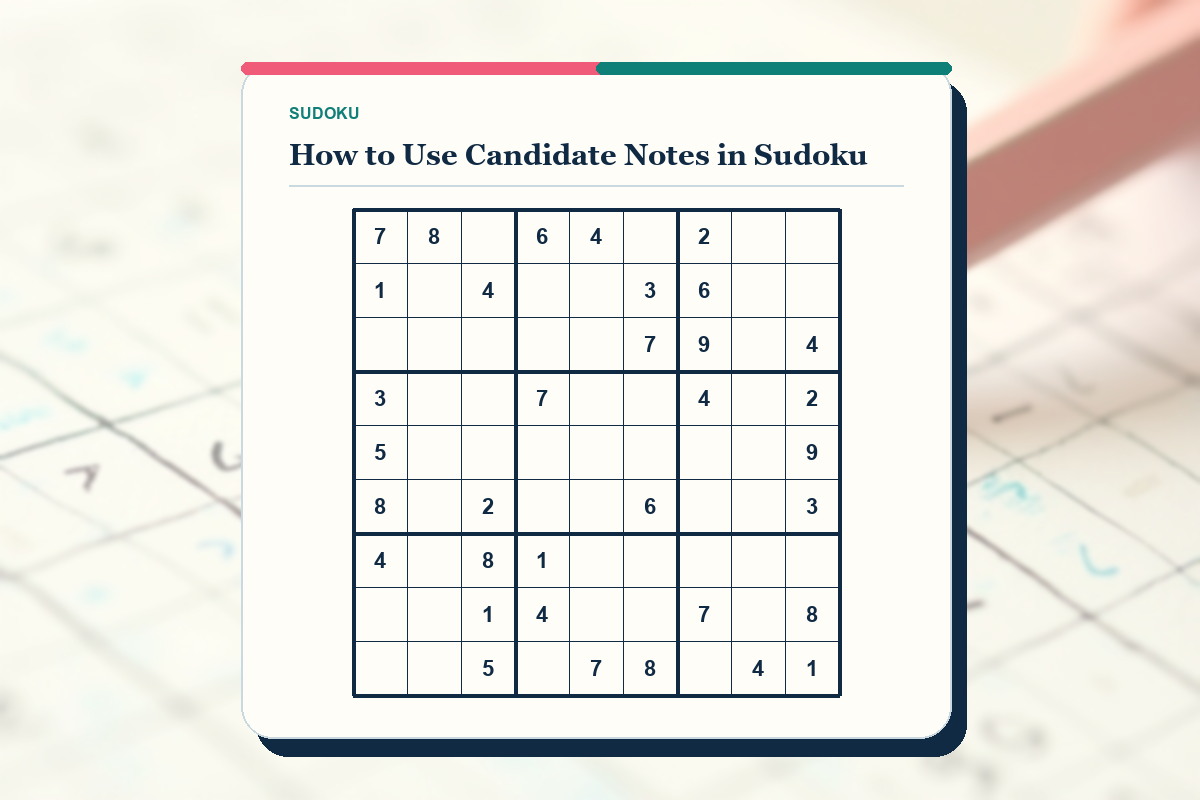
Write only digits allowed by a cell's row, column and box. Place each small digit in a consistent keypad position and update peer cells immediately after every confirmed placement.
Candidate notes make uncertainty visible; they do not justify a solution by themselves. Look for a cell reduced to one candidate or a digit with one remaining location in a unit.
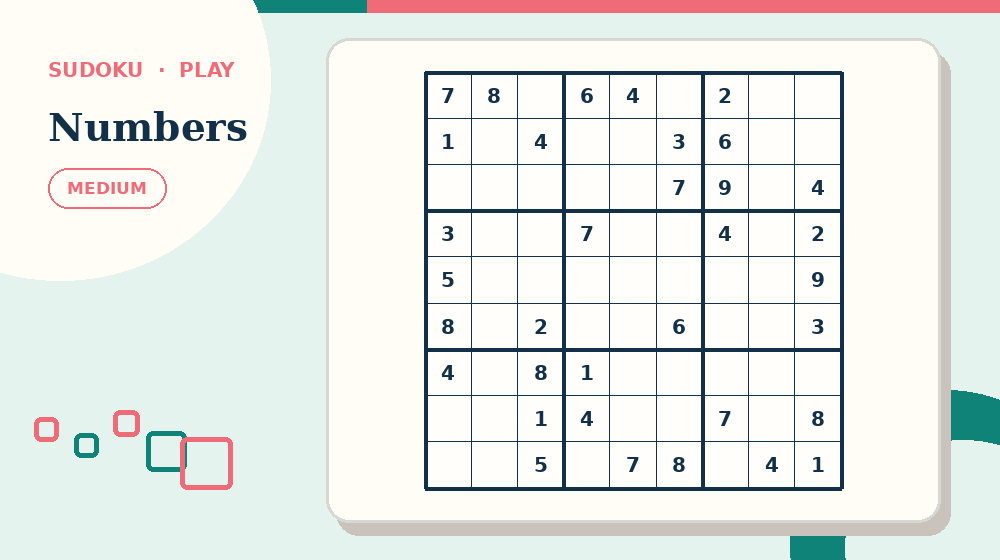
Before continuing, open Medium Sudoku and practise this first move: list only digits allowed by the row, column and box. The complete activity makes the setup advice above easier to judge than an isolated example.
Erase obsolete notes before continuing. A crowded grid with stale candidates is harder to reason from than a blank cell.
Understand the exact job of this activity
In How to Use Candidate Notes in Sudoku, success means you can make uncertainty visible without letting notes replace logical checking. The relevant evidence is the digits already present in the same row, column and box, together with the candidates those digits eliminate. Decoration, familiarity with the theme and confidence are not evidence by themselves.
Use one cell together with its row, column and 3×3 box to keep the decision local. Start by doing this: list only digits allowed by the row, column and box. If you cannot name what changed, do not add another permanent answer or mark.
Measure progress by this standard: count justified placements and cleaned candidate sets rather than elapsed time alone. When progress stops, return to this method: update peers immediately after a placement. State the reason for changing approach before you make the next move.
Prepare the materials and the decision record
For How to Use Candidate Notes in Sudoku, lay out a puzzle with several unsolved cells and a consistent position for each small candidate digit. Keep any answer material closed or out of reach until the attempt has a complete result or a precisely stated question.
On paper, write candidates in consistent miniature positions and erase obsolete notes before they become clutter. On screen, select a cell, use notes for candidates and recheck highlighted peers after a placement. Check the real input method before starting so a print, zoom or touch problem is not mistaken for puzzle difficulty.
Record uncertain work this way: place a large digit only when the three units rule out every alternative; keep candidates small. If beginner and intermediate Sudoku solvers pause and return later, the record should show what is confirmed, what is provisional and what was rejected.
- Goal: make uncertainty visible without letting notes replace logical checking.
- First action: list only digits allowed by the row, column and box.
- Working unit: one cell together with its row, column and 3×3 box.
- Final check: scan every row, column and box for duplicates, then compare the finished grid with the recorded solution.
Create and maintain candidate notes
Step 1 - List the digits missing from the cell's row. This is the starting pool, not the final candidate set.
Step 2 - Remove digits present in the column, then remove digits present in the box. Record only survivors.
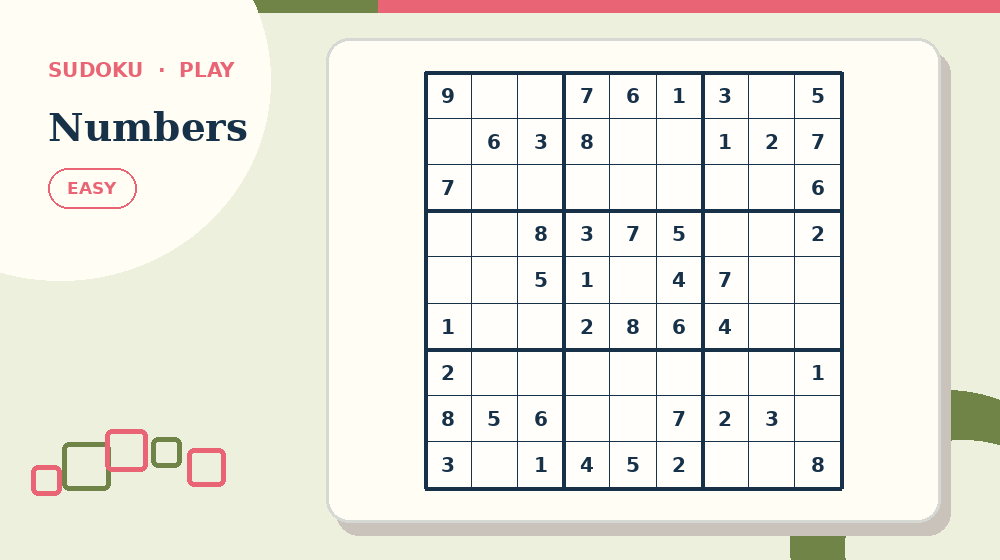
Use Easy Sudoku for the next pass. Try to use a fixed miniature keypad position for each digit without opening the answer material, then return here and name the evidence that supported the decision.
Step 3 - Compare candidates across the unit. Identify naked singles and digits with only one possible location.
Step 4 - After placing a digit, remove it from every unsolved peer in the same row, column and box.
Step 5 - Rescan cells that lost a candidate. A new single or restricted pattern may now be visible.
Worked example: reduce 2, 5, 8 to 5
Suppose a cell allows 2, 5 and 8 after its row is checked. Write those three notes in fixed positions.
A confirmed 8 enters the same column, so remove 8. A confirmed 2 enters the same box, so remove 2.
Only 5 remains; place it as an answer, clear its notes and remove candidate 5 from every peer before scanning onward.
Decision log for the worked example
For the How to Use Candidate Notes in Sudoku example, log the first observation created by this action: list only digits allowed by the row, column and box. Write the observation itself, not a vague note that the step was completed.
Next, record what changed after you update peers immediately after a placement. If nothing changed, keep that result; an explicit no-change result prevents the same unproductive pass from being repeated.
Close the log with the final check: scan every row, column and box for duplicates, then compare the finished grid with the recorded solution. If the check fails, identify the earliest unsupported decision and connect it to one risk: copying every digit one through nine.
Diagnostic questions for How to Use Candidate Notes in Sudoku
Can you explain why list only digits allowed by the row, column and box is the correct opening for sudoku candidate notes? If not, restate the goal - make uncertainty visible without letting notes replace logical checking - before making another mark.
Does the current record follow this rule: place a large digit only when the three units rule out every alternative; keep candidates small? If not, separate confirmed work from possibilities before the next method.
Which evidence supports the current decision: the digits already present in the same row, column and box, together with the candidates those digits eliminate? Remove any answer supported only by familiarity or appearance.
Have you checked for this specific failure: forgetting box restrictions? Repair that issue locally instead of restarting unrelated work.
Can the final result pass this test: scan every row, column and box for duplicates, then compare the finished grid with the recorded solution? If not, leave the activity marked as unfinished and record the exact failing unit.
Adjust difficulty without changing the core skill
For an easier sudoku activity, reduce clue count, candidate density, the solving techniques required and how many logical steps must be chained together while preserving the goal to make uncertainty visible without letting notes replace logical checking. Keep the same opening method: list only digits allowed by the row, column and box.
For a harder sudoku candidate notes task, add one source of complexity at a time. Continue to require this evidence: the digits already present in the same row, column and box, together with the candidates those digits eliminate. More decoration, smaller print or longer instructions do not create useful difficulty.
Now compare the method on Large-Print Sudoku. Keep the goal—make uncertainty visible without letting notes replace logical checking—but change only the difficulty or theme, so the comparison shows whether the routine transfers.
For beginner and intermediate Sudoku solvers, adjust the amount of material, available time or input method before removing the reasoning step. Assistance should make the evidence reachable without supplying the result.
Common mistakes and precise recovery actions
Watch for this first failure in How to Use Candidate Notes in Sudoku: copying every digit one through nine. Stop, restore one cell together with its row, column and 3×3 box and repeat this action: list only digits allowed by the row, column and box.
A second risk is forgetting box restrictions. Compare the current work with the digits already present in the same row, column and box, together with the candidates those digits eliminate; keep only decisions that the evidence supports.
If you notice leaving candidates after a peer is solved, return to this method: update peers immediately after a placement. Record the corrected result before touching any later answer.
When placing a digit because it appears most often occurs, use this recovery procedure: remove the last unsupported digit, restore candidates in its row, column and box, and resume from the most recent proven placement. Continue only when the progress measure changes for a stated reason.
Prevent the final failure - using notes too small to read - by completing this action: erase confidently resolved notes before continuing. Then run the verification for sudoku candidate notes: scan every row, column and box for duplicates, then compare the finished grid with the recorded solution.
Build a checklist for How to Use Candidate Notes in Sudoku
Write the How to Use Candidate Notes in Sudoku goal first: make uncertainty visible without letting notes replace logical checking. Under it, copy this opening action: list only digits allowed by the row, column and box. Leave space for the result, not merely a tick box.
Add the second and third checks in order: use a fixed miniature keypad position for each digit; then update peers immediately after a placement. Beside both, print the record rule: place a large digit only when the three units rule out every alternative; keep candidates small.
Reserve a separate line for the hard-area pass: look for cells or digits reduced to one candidate. Name the exact unit inspected so a later correction does not erase unrelated progress.
End the checklist with this action: erase confidently resolved notes before continuing. Follow it immediately with the verification statement: scan every row, column and box for duplicates, then compare the finished grid with the recorded solution.
Test the checklist against the worked case - reducing a cell from candidates 2, 5 and 8 to only 5 after an 8 enters its column and a 2 enters its box. Rewrite any item that still needs the full article to explain what object to inspect or when to stop.
- Open with: list only digits allowed by the row, column and box.
- Develop with: use a fixed miniature keypad position for each digit.
- Discriminate with: update peers immediately after a placement.
- Resolve with: look for cells or digits reduced to one candidate.
- Close with: erase confidently resolved notes before continuing.
Teaching, family and group use
When demonstrating How to Use Candidate Notes in Sudoku, model one complete unit: one cell together with its row, column and 3×3 box. Say which evidence matters, perform this action - list only digits allowed by the row, column and box - and stop after the result is recorded.
For shared use, organise participation this way: one solver proposes a digit while the other names the row, column or box that proves it. Rotate responsibility after a small milestone so one person does not make and approve every decision.
If the step in “Teaching, family and group use” is still unclear, continue with How to Play Sudoku: A Beginner’s Guide. It approaches the same puzzle format from a different decision point before you need to reveal an answer.
If beginner and intermediate Sudoku solvers need help, ask what has been ruled out and which method comes next. Point back to update peers immediately after a placement rather than revealing the solution.
At the end, ask which action changed the most information. Record one adjustment for the next sudoku page and keep private performance notes off public leaderboards.
A focused candidate-note routine
Minutes 0-4: choose one unsolved box and recompute every candidate from row, column and box.
Minutes 4-8: compare notes for singles and remove candidates made stale by recent givens or placements.
Minutes 8-12: place one proven digit, then update all peers before examining another pattern.
Minutes 12-15: audit three random cells from scratch and correct the notation system if any list disagrees.
Make notes legible and reversible
On paper, place small digits in fixed keypad positions and use full-size answers with stronger pressure only after proof.
Online, note mode, answer mode, selected cell and conflicts must remain distinguishable at zoom and high contrast.
For motor support, use digital notes or a separate candidate sheet; preserve exact cell references so updates remain reliable.
Audit notation quality
Good notes are readable, current and explainable from the grid. They shrink after placements and expose logical restrictions.
Check five random unsolved cells by recomputing their candidates from scratch. Any mismatch indicates the update routine needs repair.
On a fresh puzzle, note only one difficult region and see whether the record leads to a confirmed placement without guessing.
Review one completed box and reconstruct the order in which candidates disappeared. Each removal should point to a given, confirmed placement or named pattern. If the reason cannot be recovered, restore the note and repeat the local check rather than trusting the cleaner-looking grid.
When moving from paper to online play, compare the same three cells before and after entry. Confirm that automatic note removal matches the row-column-box rule and that undo restores every affected candidate. Interface automation must remain visible enough to audit.
A candidate system is ready for harder techniques only when another solver can read the notation, reproduce one elimination and restore the previous state without asking what any mark means.
Test the skill on a fresh puzzle
Open one linked sudoku page and write down two actions before starting: list only digits allowed by the row, column and box, followed by use a fixed miniature keypad position for each digit. Put How to Use Candidate Notes in Sudoku aside during the attempt.
At the first uncertain point, use this method without prompting: update peers immediately after a placement. Compare one confirmed result with one unresolved result and name the evidence separating them.
Complete the fresh attempt by doing this: erase confidently resolved notes before continuing. Run the same final check - scan every row, column and box for duplicates, then compare the finished grid with the recorded solution - and record one specific adjustment for the next page.
Frequently asked questions
What should I do first in How to Use Candidate Notes in Sudoku?
Begin with the catalogued opening action for sudoku candidate notes: list only digits allowed by the row, column and box. Apply it to one cell together with its row, column and 3×3 box and record the result before moving to use a fixed miniature keypad position for each digit.
How can I tell whether my sudoku candidate notes method is producing real progress?
For this sudoku task, use the progress test 'count justified placements and cleaned candidate sets rather than elapsed time alone'. A new mark counts only when it can be connected to the digits already present in the same row, column and box, together with the candidates those digits eliminate.
What should I do if I notice copying every digit one through nine?
Stop at the first affected unit and use the format-specific recovery: remove the last unsupported digit, restore candidates in its row, column and box, and resume from the most recent proven placement. Resume How to Use Candidate Notes in Sudoku with update peers immediately after a placement instead of repeating the unsupported move.
When is it appropriate to check the answer for How to Use Candidate Notes in Sudoku?
Check after completing this final action: erase confidently resolved notes before continuing. Before opening the answer, write the exact unresolved point and test whether scan every row, column and box for duplicates, then compare the finished grid with the recorded solution.
How can I make this sudoku practice more accessible?
Change size, spacing, session length or input method while preserving the digits already present in the same row, column and box, together with the candidates those digits eliminate. On paper, write candidates in consistent miniature positions and erase obsolete notes before they become clutter. On screen, select a cell, use notes for candidates and recheck highlighted peers after a placement.
What should I practise after How to Use Candidate Notes in Sudoku?
Choose a nearby sudoku candidate notes page and repeat two actions without reopening the article: list only digits allowed by the row, column and box; then update peers immediately after a placement. Finish by checking that scan every row, column and box for duplicates, then compare the finished grid with the recorded solution.